
Access Management Extensions
Extend Keycloak with Advanced Authentication
Enhance Keycloak with a collection of extensions that add modern authentication capabilities, improve the user experience, and simplify integration for both web and native applications.
Build native authentication experiences for registration, passkey enrollment, secure sign in, and recovery, powered by Keycloak as a headless identity backend.
Get Started
Keycloak Advanced Authentication
Build seamless sign-in experiences without browser redirects. Applications communicate directly with Keycloak through a secure authentication API, allowing each sign-in step to be completed natively inside the app. In addition to native authentication, the extension pack provides advanced authentication features that extend Keycloak's built-in capabilities for both browser and native application experiences.
See It In Action
Secure Sign-In in Seconds
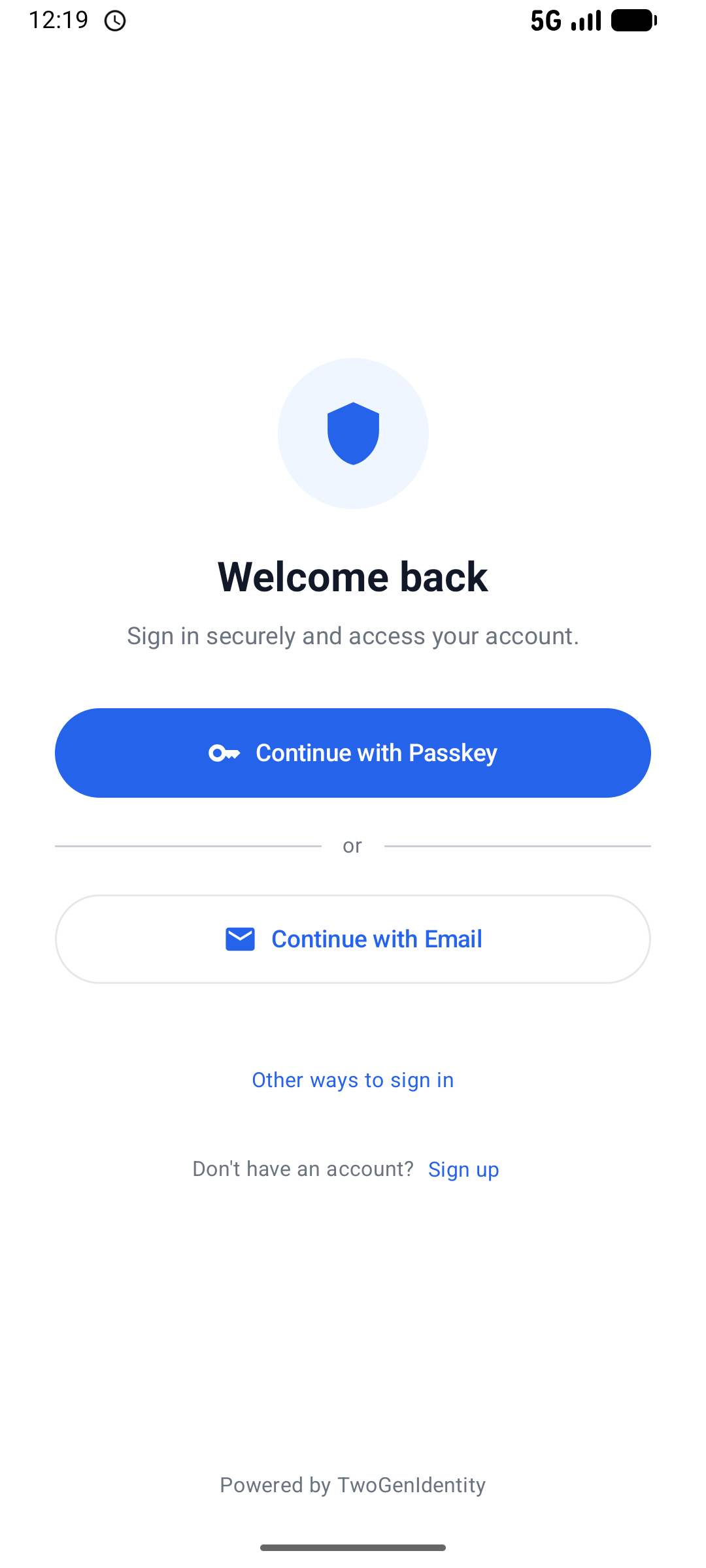
See how users can securely sign in with a single biometric confirmation. No passwords. No browser redirects. Just a fast, seamless experience.
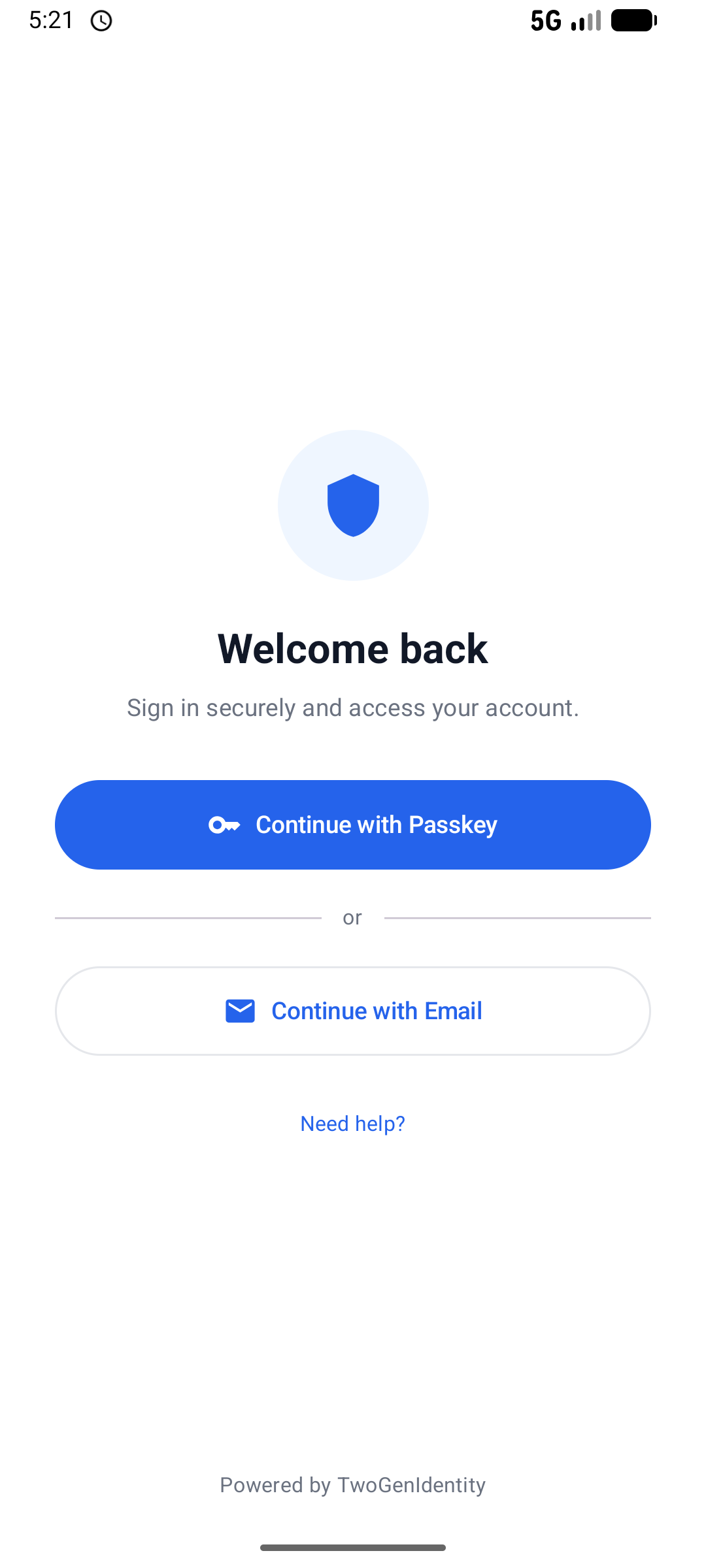
Tap Continue with Passkey
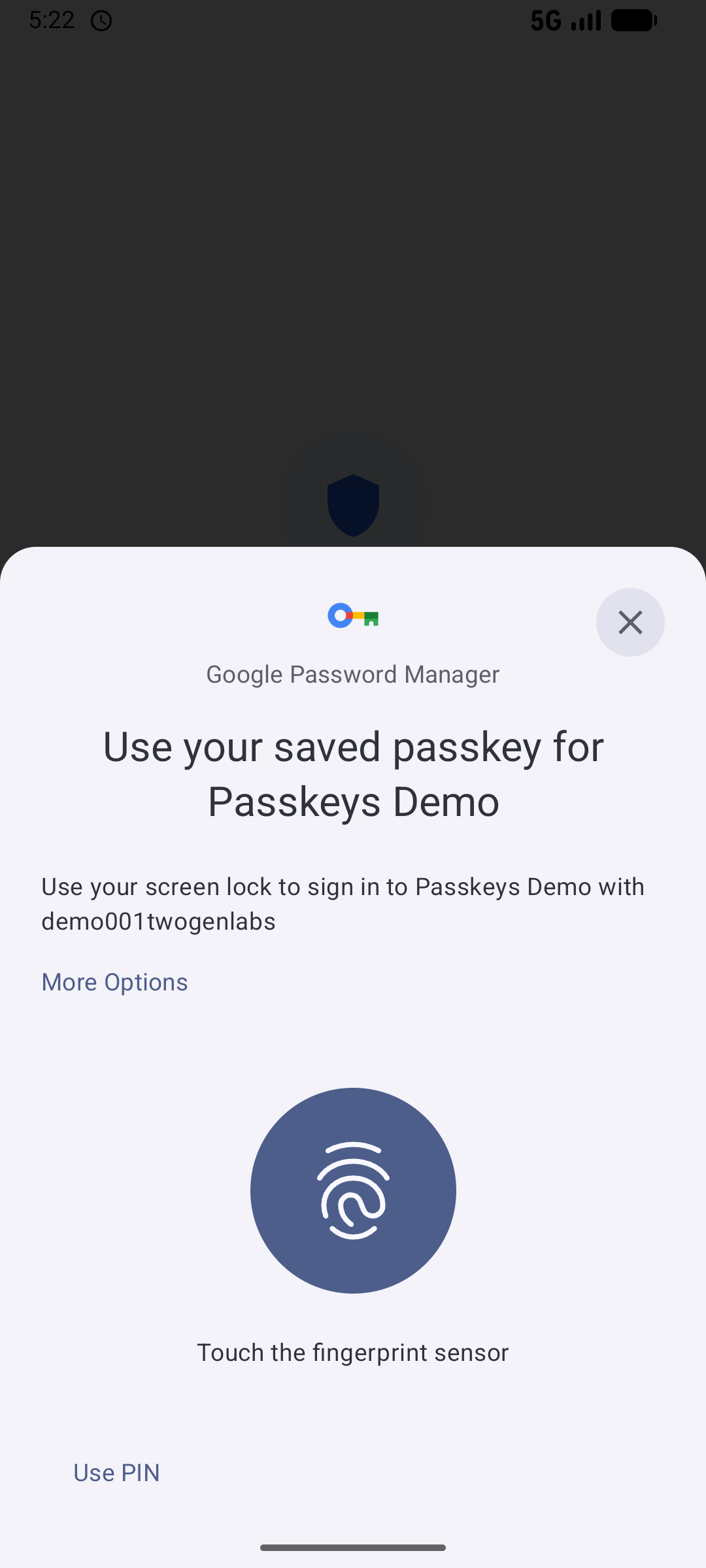
Face ID / fingerprint

Signed in. Done.
Every Identity Journey
One Native Experience. Every Identity Journey.
From registration and passkey enrollment to sign-in, MFA, and recovery, deliver a seamless, secure experience entirely within your application.
Account Recovery
Tap Other ways to sign in

Choose Recover your account
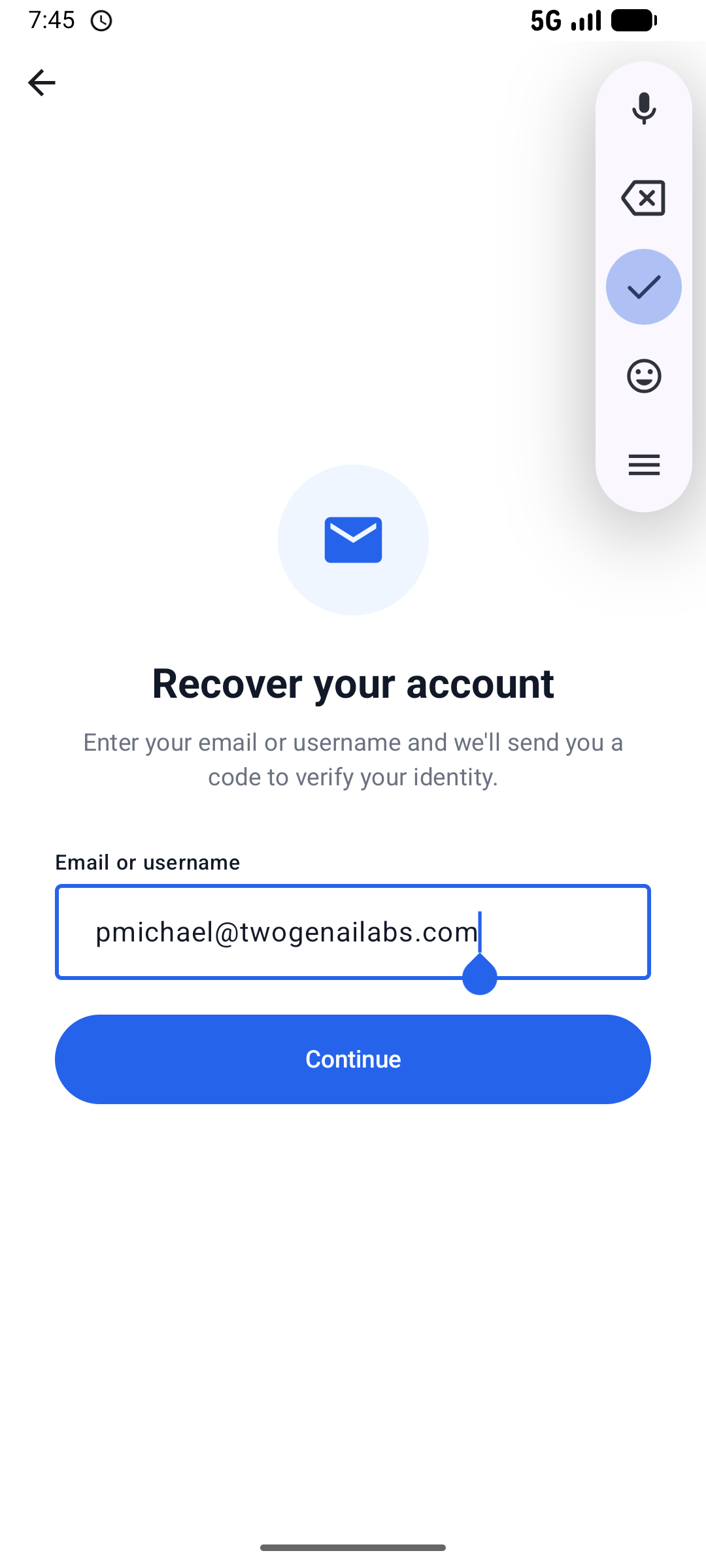
Enter email or username

Identity verified. Create new passkey

Account recovered. Done.
Create Account

Enter email address

Confirm 6-digit code
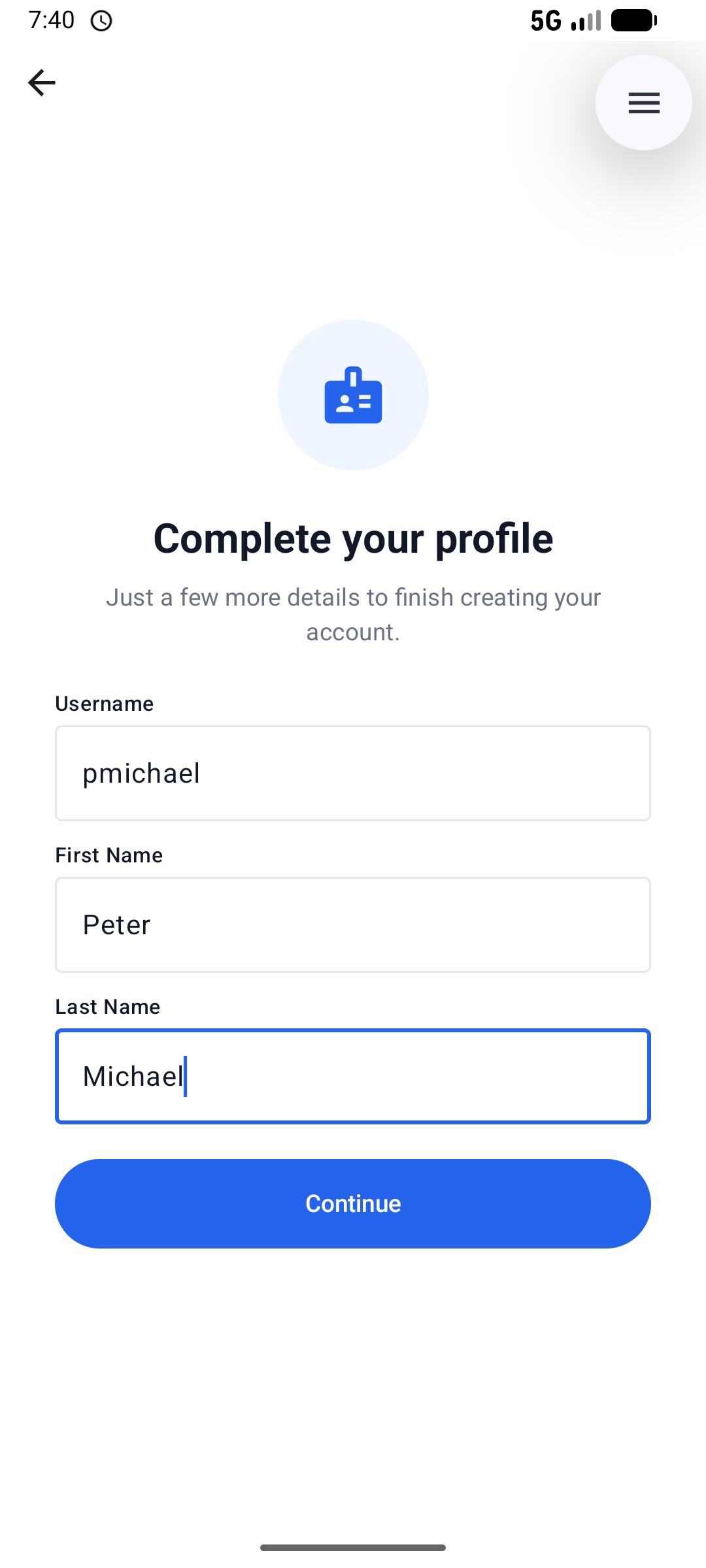
Complete profile details
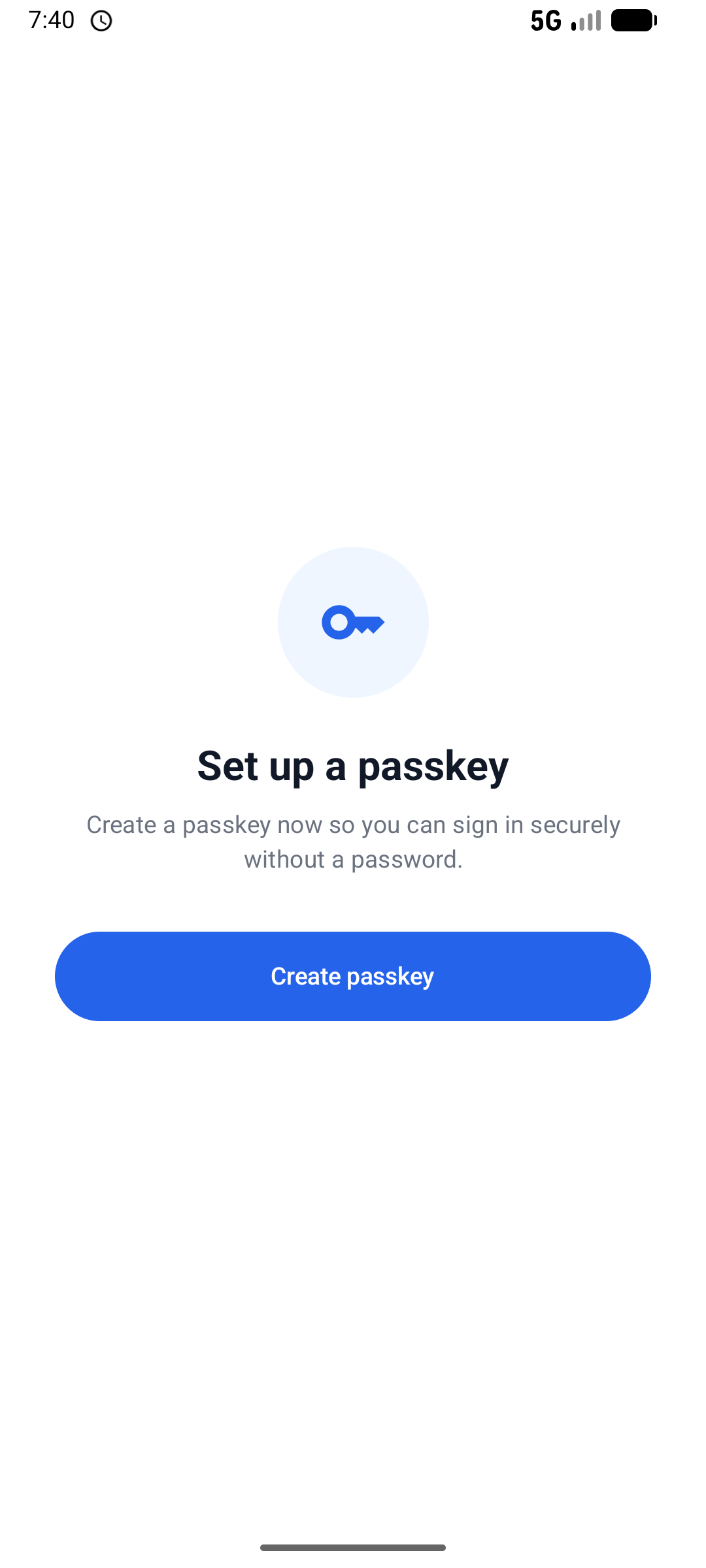
Tap Create passkey
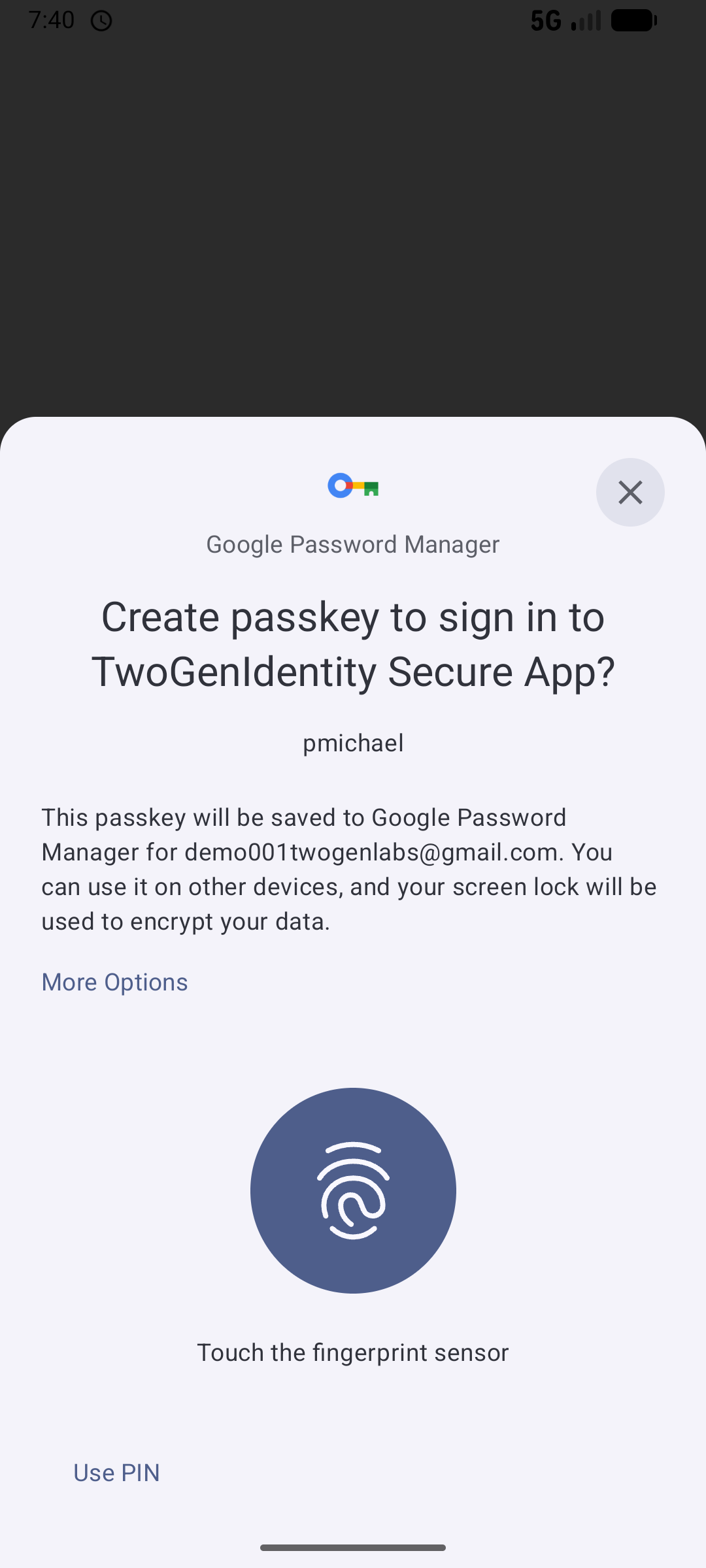
Face ID / fingerprint

Account created. Done.
Advanced Authentication Pack
Supported Authentication Mechanisms
Modern authentication options that integrate seamlessly with Keycloak for both browser and native applications. Each method can be used for sign-in, step-up authentication, or passwordless experiences, depending on your authentication flow.
Passwordless, phishing-resistant authentication using the device's built-in biometrics or a security key. Supports Touch ID, Face ID, Windows Hello, and FIDO2 security keys.
One-time password delivered via SMS. Simple, widely supported, and compatible with any mobile device. Works for both primary login and step-up authentication scenarios.
One-time password delivered via email. No external SMS provider required. Ideal for users without reliable mobile access and for low-friction passwordless login flows.
Securely register user devices so they can be recognized during future sign-ins. Device trust can be used to improve the user experience, reduce repeated verification, and support adaptive authentication policies.
Native Authentication
Your App Controls the Sign-In Experience
Keep users inside your application from start to finish. Instead of redirecting users to a browser, the app guides them through each step using instructions provided by Keycloak. Whether users sign in with passkeys, email verification codes, or other authentication methods, the entire experience remains native, secure, and seamless.
Show the full step-by-step flow
Deploy the Extensions.
The Keycloak extensions are a library that includes several Service Provider Interfaces (SPIs) to enhance Keycloak's functionality.
Step 1: Download
Download the extension pack from our private GitHub repository with an active subscription.
Step 2: Add the extensions
Copy the extension JARs into your Keycloak installation and restart the server.
Step 3: Configure your journey
Create your authentication flow using the authentication methods you need for browser applications, native applications, or both.
Ready!
Keycloak Advanced Authentication
Our authentication capabilities are continuously evolving to support the latest identity standards. We believe open standards are the foundation of secure, interoperable, and future-ready authentication, enabling organizations to adopt new technologies with confidence.